1. 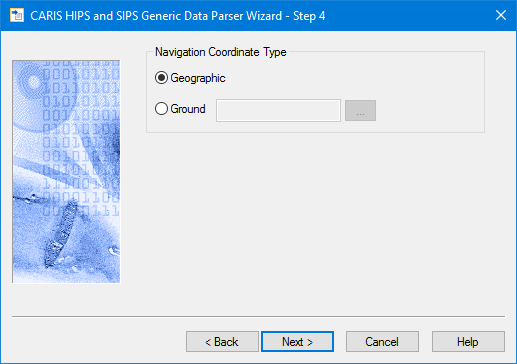 Select one of the following options:
Use this dialog box to indicate the type of coordinate system that was used for the Navigation data during data logging.
1. Select one of the following options:
• Geographic: navigation data is recorded as latitude and longitude coordinates.
• Ground: navigation data is recorded as eastings and northings.
If you select Ground:
2. click the Browse button to open the Select Coordinate Reference System dialog box.
3. Select a coordinate reference system.
4. Click OK.
5. Click Next to continue.