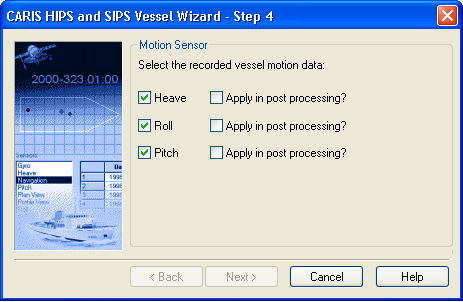
This dialog box determines which attitude sensors are displayed in the HVF.
1. Create entries for any (or all) of the following sensors by clicking the appropriate check box:
• heave
• pitch
• roll
2. Select the Apply in Post Processing option to apply the motion data during the Merge process or during Sound Velocity Correction.
3. Click Next.
Continue with Configuration Options.