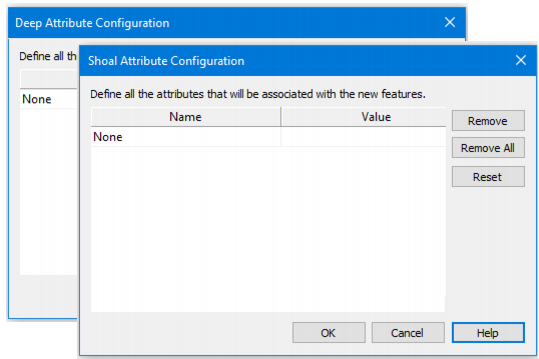
Additional user-defined attributes can be set for Shoal and Deep soundings, to be applied to detected soundings when the process is run. Attributes and their values are defined in the Catalogue Editor and contained in the HIPS Catalogue for the current project. See HIPS Catalogue Editor
Option | Description |
Name | Select an attribute from the drop-down list |
Value | Set a value for the attribute, for example 0 if detected automatically, or 1 from manual processing. |
Remove | Clear an added attribute row. |
Remove All | Clear all the entries from this dialog box. |
Reset | Reset this list to the entries listed when the Shoal Attributes Configuration dialog box was first opened. |