An example of a section of TIN data is shown below.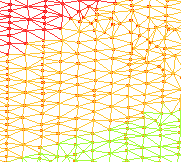
A Triangular Irregular Network (TIN) is created from a set of 3D points. TIN models are composed of a series of triangles. By default, a TIN forms a convex hull. Various tools are provided to manipulate and control the internal and external boundaries of the TIN model to ensure that its coverage represents the real world.
An example of a section of TIN data is shown below.
When a TIN is created, it is displayed as a new layer in the Layers window, either nested under the source data or as a separate data source, and named according to the data from which it was created.
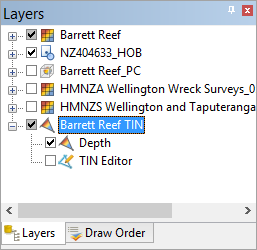
When a TIN layer is selected, the Properties window is populated with properties for the TIN.
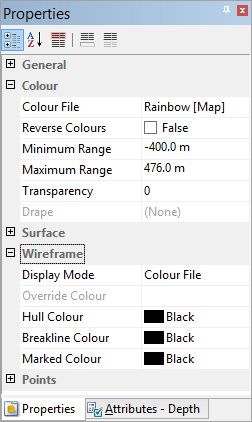
These properties can be used to adjust the display of the TIN.
See Create TIN for more information on working with TINs.