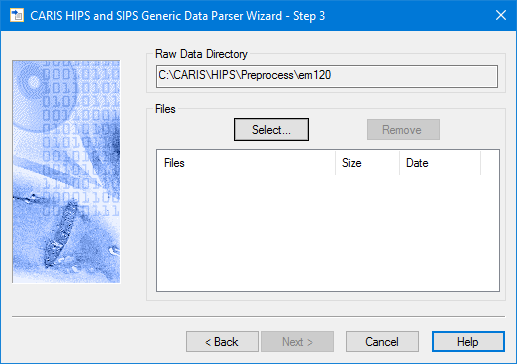
 The Raw Data Directory field should display the path to the defined directory.
In this dialog box you select the text files you want to convert.
The Raw Data Directory field should display the path to the defined directory.
1. Click Select to open the Select Files dialog box.
2. Browse and select the desired files.
3. Click Open.
The selected files are displayed in the Files box. Files can be removed by selecting the files and clicking Remove.
4. Click Next.