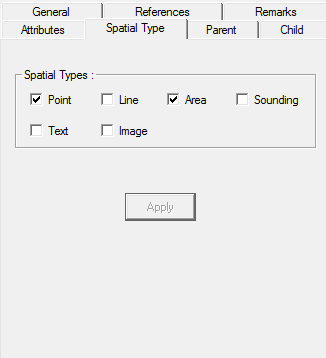
An object can be assigned one or more spatial types.
1. Select the Spatial Type tab.
Option | Description |
|---|---|
Spatial Types | Assign one or more spatial types to an object. If the object is already associated with a spatial type, the spatial type is enabled. Spatial types are: • Point • Line • Area • Sounding • Text • Image. |
2. Select or deselect any spatial types.
3. Click Apply.