CARIS HPD Paper Chart Editor
 CARIS HPD Paper Chart Editor
CARIS Paper Chart Composer
Menu | Create > Border > [Border Style] |
Pop-up | Create Border > [Border Style] (Layers window) |
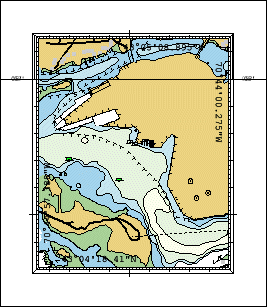
Insert a border on a panel boundary.
Border styles are created and modified in the Template Editor.
Related commands:
• • • • | • • • |
Procedure
1. In the Layers window, select a Panel data layer.
2. Select a border style using the Create Border command.
The border is displayed around the selected panel.